By the end of this article you will be able to;
- check your appointment on the spa app
- view the medical questionnaires on the spa app
If therapists are self employed they might not have access to the HART PMS but we can provide a cloud log in so they can access the spa app.
Navigate to Therapists > Reports and Schedule and add the Date From and Date TO you wish to check your appointments for.

This will show you the Booking ID, the Guest Name, Facility, Treatment booked. You can also see the Date and location of the treatment and duration.

To check the guest due to arrive navigate to Arrivals > Treatments.

In here click on Select and a new message will pop up warning you that current medical data exists. You can here either View Latest, Go Back or Submit a New Form.

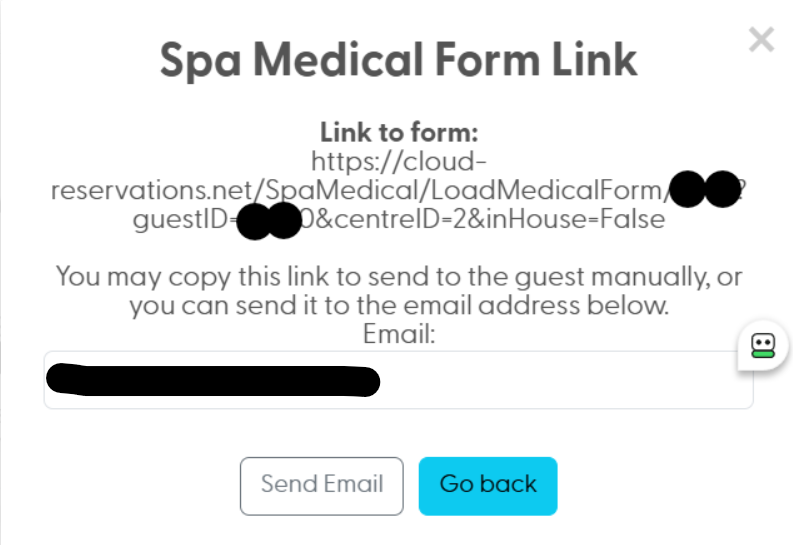
Use Get Form Link if you wish to email the medical form manually to the guest again so they can enter their medical details if required on site on their own device.

Simply use Send.
Was this article helpful?
That’s Great!
Thank you for your feedback
Sorry! We couldn't be helpful
Thank you for your feedback
Feedback sent
We appreciate your effort and will try to fix the article