By the end of this training article you will be able to:
- Pre Charge the bedroom Charges
- Understand the difference between customer present and customer not present transactions
There are two ways in which you can do operate your check out procedure more efficiently through HART PMS
Precharge Check Out - Guest Present Transaction
The first way is when the guest asks you to pay a day prior to their check out (which means that they s still at the property), and asks for an invoice there and then. In this case, you can do a Precharge by following the steps below.
First, find the guest’s booking and press the ‘Precharge’ button at the top right part of the window:
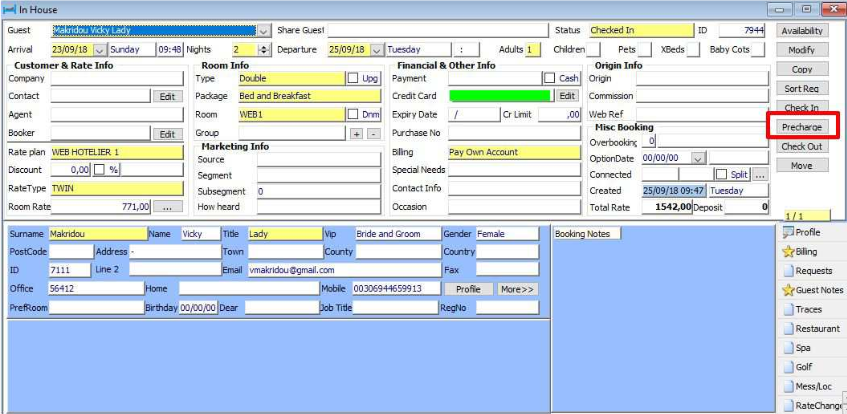
The system will then ask you if you want to process that night's accommodation:
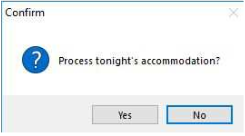
Press Yes if you want the system to post that night's accommodation or No if you don't want it to. The normal process would be to press Yes.
Then you can then move on to the guest check out the procedure as usual, which means paying off the guests transactions and issuing an invoice for the guest.
Do not check the guest out fully, as this will show the room as vacant and affect your occupancy. This bedroom should only be checked out once the guest has departed in the morning.
Tokenization Check Out - Guest Not Present
For this second process, the hotel must have an interface with either Verifone or Worldpay.
When the guest asks you to charge their credit card and send them the invoice later, you can use tokenisation to process this.
First, go into the guest's room booking, navigate to Billing and press the Credit Card button.
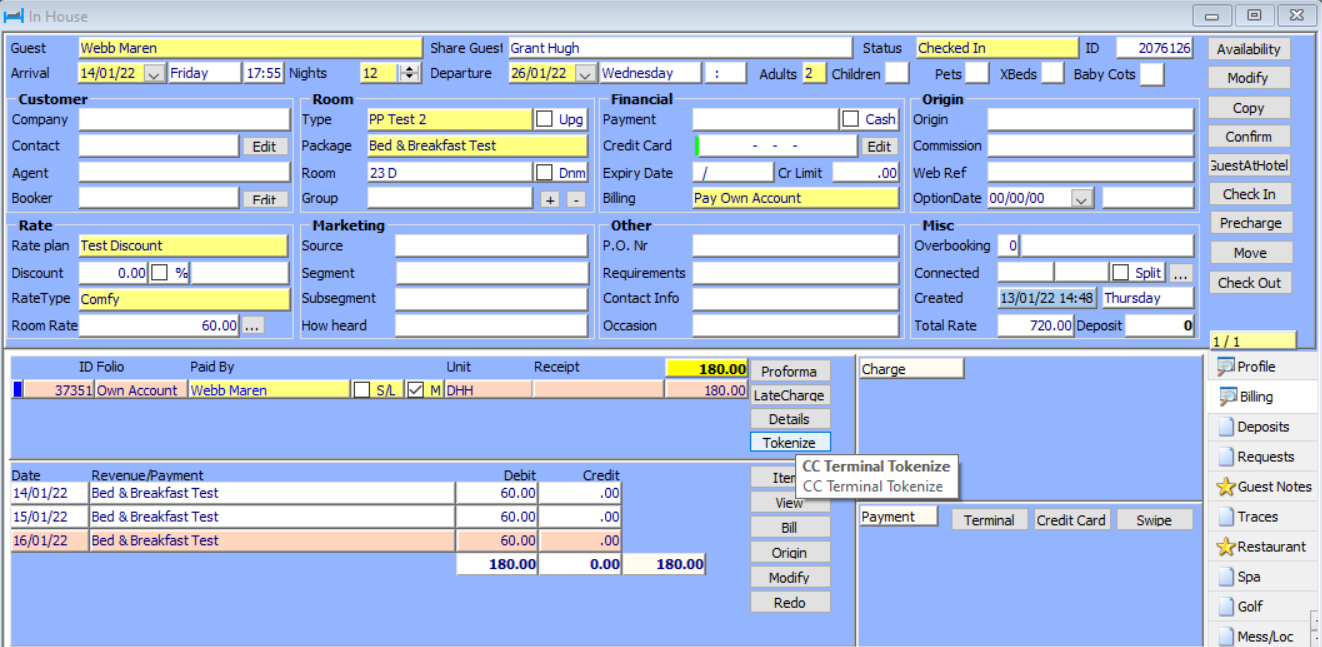
A window will pop up which looks like the below;

Key in the amount you would like to charge. The payment will be taken from the card and automatically added to the guests billing.
Now print a VAT invoice and check out the room.
Was this article helpful?
That’s Great!
Thank you for your feedback
Sorry! We couldn't be helpful
Thank you for your feedback
Feedback sent
We appreciate your effort and will try to fix the article